Windows 10 vs Windows 11: Which Is Better for You?
Windows 10 or windows 11? We compare design, features, gaming, security, hardware requirements and support dates to help you decide whether to upgrade.
In this guide
- Windows 11 Release Date and Support
- Design: What's Different in Windows 11
- Key Windows 11 Features
- Windows 11 System Requirements
- Price and Licences
- Windows Insider Program
- Mixed Reality and HoloLens
- Windows 11 Editions
- Before You Upgrade: Check Your Windows 10 Updates
- So, Which Is Better: Windows 10 or Windows 11?
Should you stay on Windows 10 or move to Windows 11? We get this question all the time. When we first wrote about Windows 11, it was little more than rumours and concept art. It's now a mature operating system, and Windows 10 has reached the end of its normal support life, so the answer is a lot clearer than it used to be. Here's how the two compare and who should upgrade.
Windows 11 Release Date and Support
Microsoft announced Windows 11 on June 24, 2021 and released it on October 5, 2021, as a free upgrade for eligible Windows 10 PCs. It now gets one big feature update a year, plus monthly security patches.
Windows 10, meanwhile, reached end of support on October 14, 2025. After that date it no longer receives free security updates or technical help; continued patches are only available through Microsoft's Extended Security Updates (ESU) program. That's the single biggest reason to think seriously about Windows 11.
Design: What's Different in Windows 11
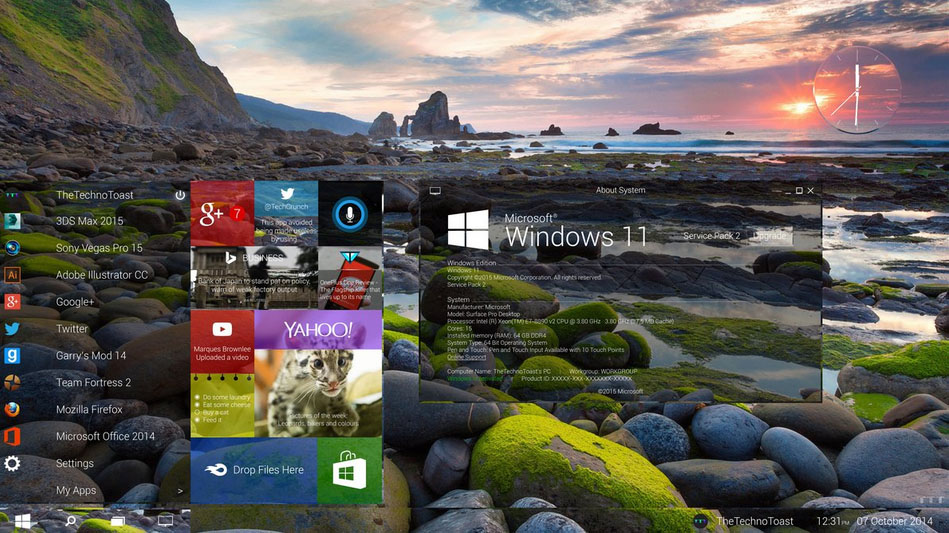
The first thing you notice is the look. Windows 11 moves the Start button and app icons to the centre of the taskbar (you can move them back to the left), uses rounded corners and softer "Mica" materials, and replaces Live Tiles with a simpler grid of pinned apps and recommended files.
Windows 10 feels more familiar and, for some people, more flexible. Its Start menu with resizable Live Tiles and its fully customizable taskbar still have plenty of fans.
Read more:
- How to Fix "Windows Has Detected an IP Address Conflict"
- Windows 10 Taskbar Not Working? 7 Ways to Fix It
- How Much Space Does Windows 10 Take?
- Windows 10 Search Not Working? 11 Ways to Fix It
- How to Fix DNS_PROBE_FINISHED_NXDOMAIN
Key Windows 11 Features
Snap Layouts and multitasking
Hover over a window's maximize button and Windows 11 offers ready-made layouts for arranging two, three or four windows side by side. It remembers these "Snap Groups," and it remembers where windows were when you unplug and reconnect an external monitor. If you work with several apps at once, this alone can be worth the upgrade.
Virtual desktops
Both versions support multiple desktops, but Windows 11 lets you give each desktop its own wallpaper and name, which makes it easier to separate work from personal stuff.
File Explorer tabs
Windows 11 added tabs to File Explorer, so you can keep several folders open in one window, just like a web browser.
Widgets and Copilot
A widgets panel shows news, weather, calendar and more. Microsoft's Copilot AI assistant is built in as well, replacing Cortana, which was retired.
Gaming improvements
Windows 11 includes DirectStorage (faster game loading on NVMe SSDs), Auto HDR for older games, and tight Xbox Game Pass integration. Most games run equally well on both systems, but new technologies arrive on Windows 11 first.
Security by default
Windows 11 requires TPM 2.0 and Secure Boot, and turns on features like virtualization-based security on many PCs. That's the main reason its hardware requirements are stricter, and it makes Windows 11 noticeably harder to attack than Windows 10.
Windows 11 System Requirements
This is where many people get stuck. Windows 10 runs on almost anything from the last 15 years. Windows 11 needs:
- Processor: 1 GHz or faster, 64-bit, with 2 or more cores, on Microsoft's list of supported CPUs (roughly Intel 8th-gen Core or AMD Ryzen 2000 series and newer)
- RAM: 4 GB or more
- Storage: 64 GB or more
- Firmware: UEFI with Secure Boot
- TPM: Trusted Platform Module 2.0
- Graphics: DirectX 12 compatible with a WDDM 2.0 driver
- Display: 720p, larger than 9 inches diagonally
Windows 10, by comparison, needs just a 1 GHz processor, 1–2 GB of RAM and 16–32 GB of storage. To check your PC, run Microsoft's PC Health Check app; it tells you exactly which requirement, if any, you don't meet. Often TPM or Secure Boot is simply switched off in the BIOS and can be enabled.
Price and Licences
If your Windows 10 PC meets the requirements, the upgrade to Windows 11 is free through Windows Update. A Windows 10 Home licence upgrades to Windows 11 Home, and Pro to Pro. New licences cost the same as Windows 10 did.
Windows Insider Program
Want to try new features early? The Windows Insider Program lets you test upcoming builds of Windows 11 before release. It's free, but preview builds can be buggy, so don't run them on a PC you depend on.
Mixed Reality and HoloLens
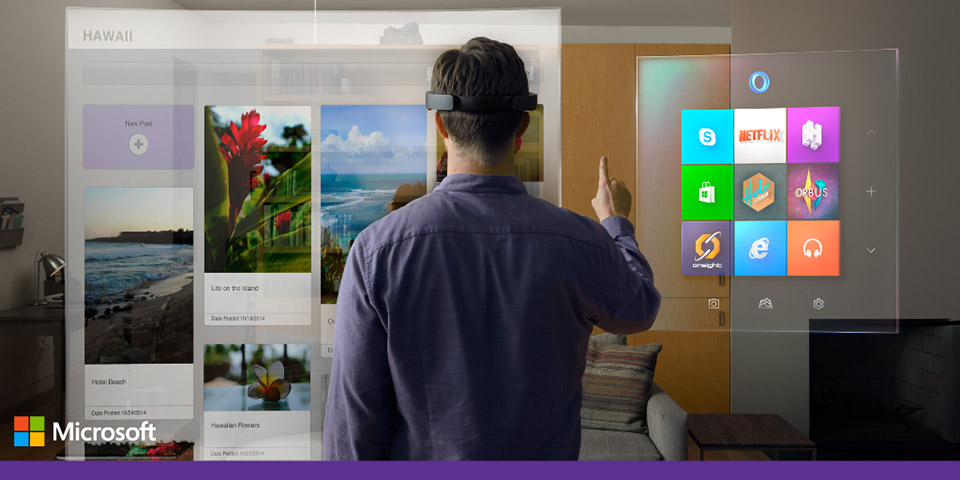
Back when Windows 10 launched, Microsoft showed off HoloLens and holographic computing as the next big thing. HoloLens found its niche in business and industry rather than at home, and Windows Mixed Reality headset support has since been phased out of Windows 11. If that matters to you, check compatibility before upgrading.
Windows 11 Editions
Like Windows 10, Windows 11 comes in several editions:
- Windows 11 Home: for most home users. It requires a Microsoft account and internet connection during setup.
- Windows 11 Pro: adds BitLocker encryption, Remote Desktop hosting, Hyper-V, Group Policy and business management tools.
- Windows 11 Pro for Workstations: for high-end hardware with server-grade CPUs and lots of RAM.
- Windows 11 Education and Enterprise: for schools and organizations, sold through volume licensing.
- Windows 11 SE: a lightweight edition for low-cost education laptops.
Before You Upgrade: Check Your Windows 10 Updates
Before upgrading, make sure Windows 10 is fully up to date, back up your files, and confirm that the apps and devices you rely on (printers, scanners, older games, specialist software) work on Windows 11. If something goes wrong, you can roll back to Windows 10 within 10 days from Settings > System > Recovery.
So, Which Is Better: Windows 10 or Windows 11?
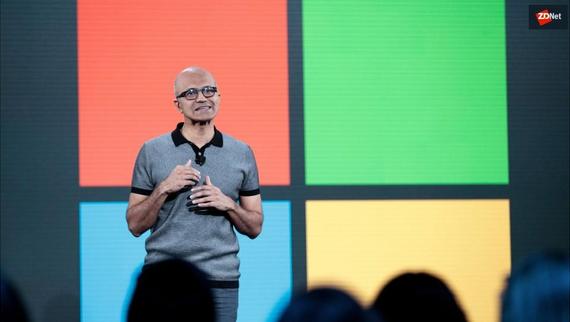
For most people today, Windows 11 is the better choice. It's more secure, it still gets full support and new features, and its multitasking tools are genuinely useful. Since Windows 10 no longer receives regular free updates, staying on it carries growing security risks.
Windows 10 still makes sense only if your hardware can't run Windows 11 and you're not ready to replace it, or if you depend on software or devices that don't work on Windows 11. In that case, enrol in Extended Security Updates while you plan your move.
Windows 10
Familiar, flexible and light on hardware, Windows 10 was one of Microsoft's most successful releases. But with mainstream support over, it's now a system to move away from rather than one to settle on.
Office
Good news for Microsoft 365 (formerly Office 365) users: the apps work the same on both systems, and your files sync through OneDrive, so switching from Windows 10 to Windows 11 won't disrupt your documents.